
Free to Use
Our JPG to Word Converter is completely free for everyone. There are no fees, sign-ups, or limits. You can convert JPEG, PNG, or any supported image format to Word without worrying about hidden fees.
Convert JPG and other image files into Word documents. Upload up to 5 images and download a DOCX file in seconds.
An online JPG to Word converter is a smart tool that helps you turn images into editable Word documents. It uses OCR (Optical Character Recognition) to read the text inside your image and convert it into machine-readable content. This means no need to type by hand—you get real, editable text inside a Word file.
Our image to Word converter is fast, accurate, and easy to use. Even if your file is JPEG, PNG, BMP, or GIF, it still works. So, even though its name says JPG to Word, it supports all common image formats.
This tool is perfect for students, teachers, office staff, or anyone who wants to convert picture to Word quickly. Just upload your image and get your Word file ready to edit or share.
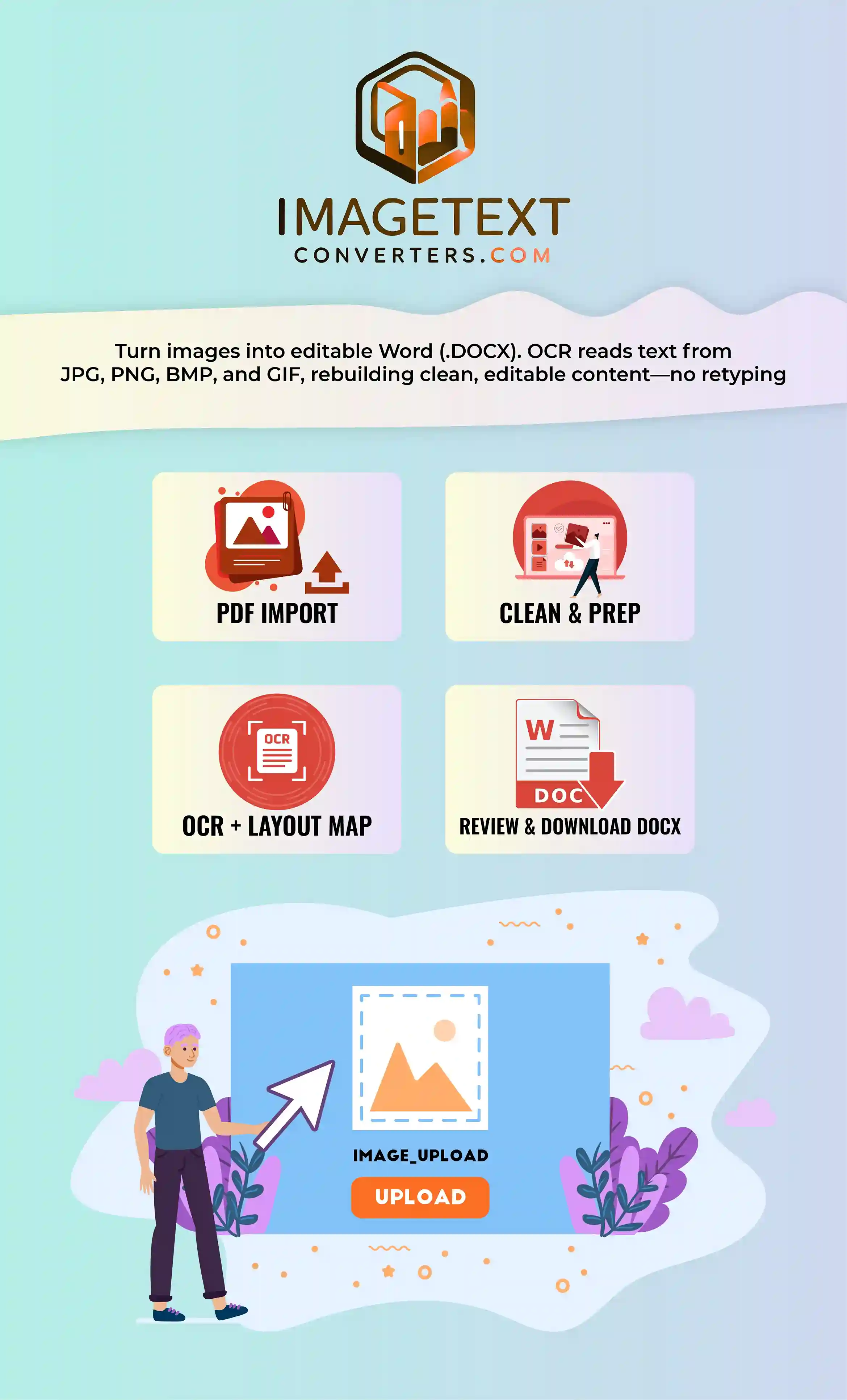
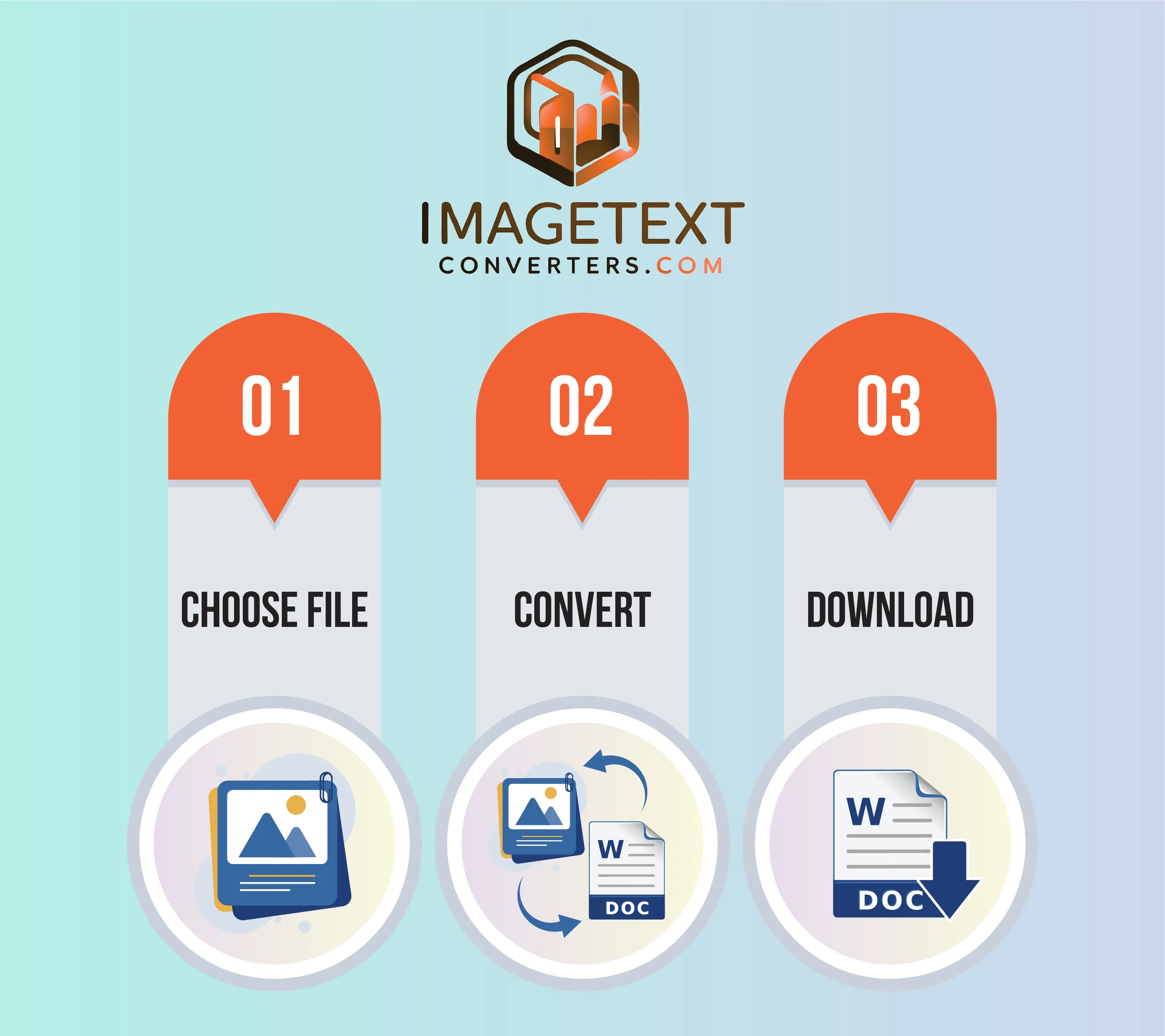
It is very easy to convert JPEG to Word using our free image to Word converter. Just follow these three simple steps and you will get your document:
There are a lot of online tools that can turn images into words, but our JPG to Word converter is the best. Some of the unique features that make our tool special are as follows:
Our JPG to Word Converter is completely free for everyone. There are no fees, sign-ups, or limits. You can convert JPEG, PNG, or any supported image format to Word without worrying about hidden fees.
We designed our tool with real users in mind. The interface is clean, clear, and easy to follow. You can use it easily even if you are not tech-savvy. Just upload your image, click one button, and download the Word file.
This tool reads words and sentences carefully. It uses OCR to detect printed or typed text from images and keeps sentence structure intact. You’ll get a neat, editable Word document without random symbols or formatting issues.
Although it’s called a JPG to Word converter, it also supports JPEG, PNG, BMP, TIFF, and GIF formats. There is no need to convert image format first. You can upload any image format easily and convert pic to Word file.
Our tool can also read and convert math expressions from images into editable format. This feature is great for students, researchers, and teachers who need to copy math content from books, tests, or handwritten notes.
You don’t have to download or install anything. You can access the full tool in your browser. It works on Chrome, Safari, Firefox and any other browser you like. Just open the site, upload your image, and get your Word document in seconds.
Need to convert many files at once? No problem. Our bulk feature lets you upload multiple images together. The tool will process them one by one and give you separate Word files. Download them and enjoy.
Are the pictures blurry or faded? Our tool can still understand them. It uses AI and OCR to read unclear or low-resolution text by detecting shapes and patterns. So it can convert picture to Word with high accuracy.
Your files are private. We never store your images. The system will delete everything on its own when you leave. You can safely convert JPEG to Word without worry. This makes the tool ideal for sensitive documents.
Just upload your image to our JPG to Word Converter, click the convert button, and download the editable Word file. It’s fast, online, and works with most formats like JPEG, PNG, or BMP.
Yes, our image to Word converter is completely free. You don’t need to pay, sign up, or install anything. Just upload your image and convert picture to Word in seconds without limits or hidden charges.
Yes! Our JPEG to Word converter supports both JPG and JPEG files. You can also use PNG, BMP, and more. Just upload your file and the tool will handle the format automatically.
Yes, the converted Word file is fully editable. After you convert JPG to Word, you can change the text, font, and layout in MS Word like any regular document. It is perfect for editing and reusing content.
Of course. Our picture to Word converter works on all devices, including Android and iPhones. You just need a browser. Upload your image, and convert photo to Word directly from your mobile.
Yes, it’s 100% secure. Your images are deleted after conversion. We don’t store anything. You can safely convert JPEG to Word even if your file includes private or sensitive information.
Yes, if the handwriting is clear, our tool can extract the text and convert image to Word. It works best with neat handwriting, printed notes, or scanned documents with typed content.
Yes, you can upload multiple images and convert them all at once. The tool processes each file separately and gives you clean, editable Word documents. Bulk use is ideal for office and academic work.