
Free to Use
Our PDF to Word Converter is completely free for everyone. There are no fees, sign-ups, or limits. You can convert your PDF files to Word without worrying about hidden charges.
Convert any PDF into a fully editable Word (DOCX) file. Upload up to 3 PDFs or add a PDF URL, then download clean Word files in seconds.
A PDF to Word Converter is an online tool that helps you turn your PDF file into an editable Word document. It uses advanced OCR (Optical Character Recognition) technology to read the text inside a PDF and convert it into machine-readable content. This means you don’t have to type anything by hand.
Our PDF Word Converter is fast, free, and accurate. Even if your PDF has scanned pages, tables, or complex layouts, it can extract and arrange the text properly in Word format. It works with normal PDFs, scanned files, or even low-quality documents.
This tool is useful for students, teachers, business people, or anyone who needs to edit or reuse PDF content easily.
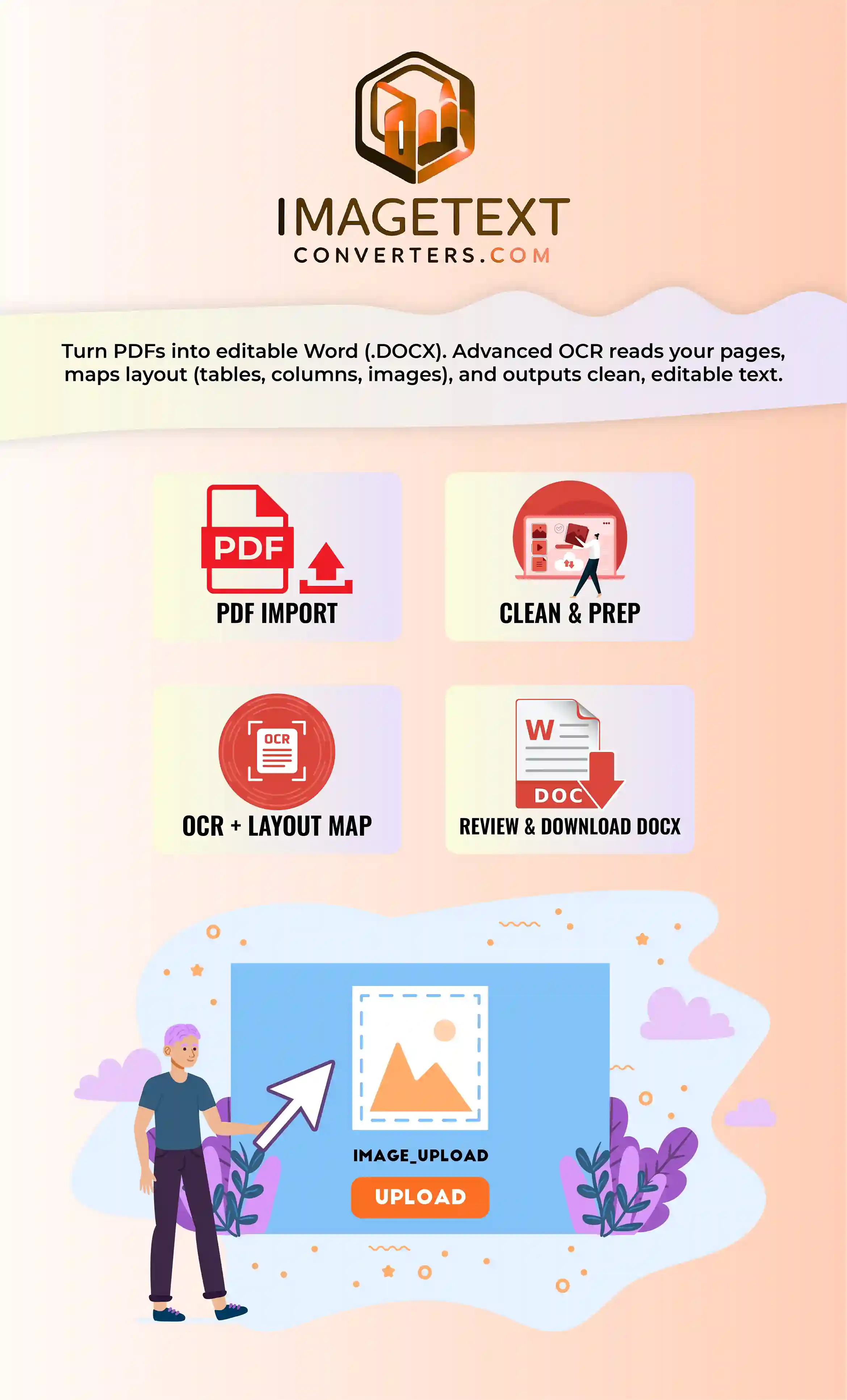
The working of our PDF to Word Converter is based on OCR (Optical Character Recognition) technology. This technology scans the content of your PDF and turns it into editable Word text. Here’s how it works in simple steps:
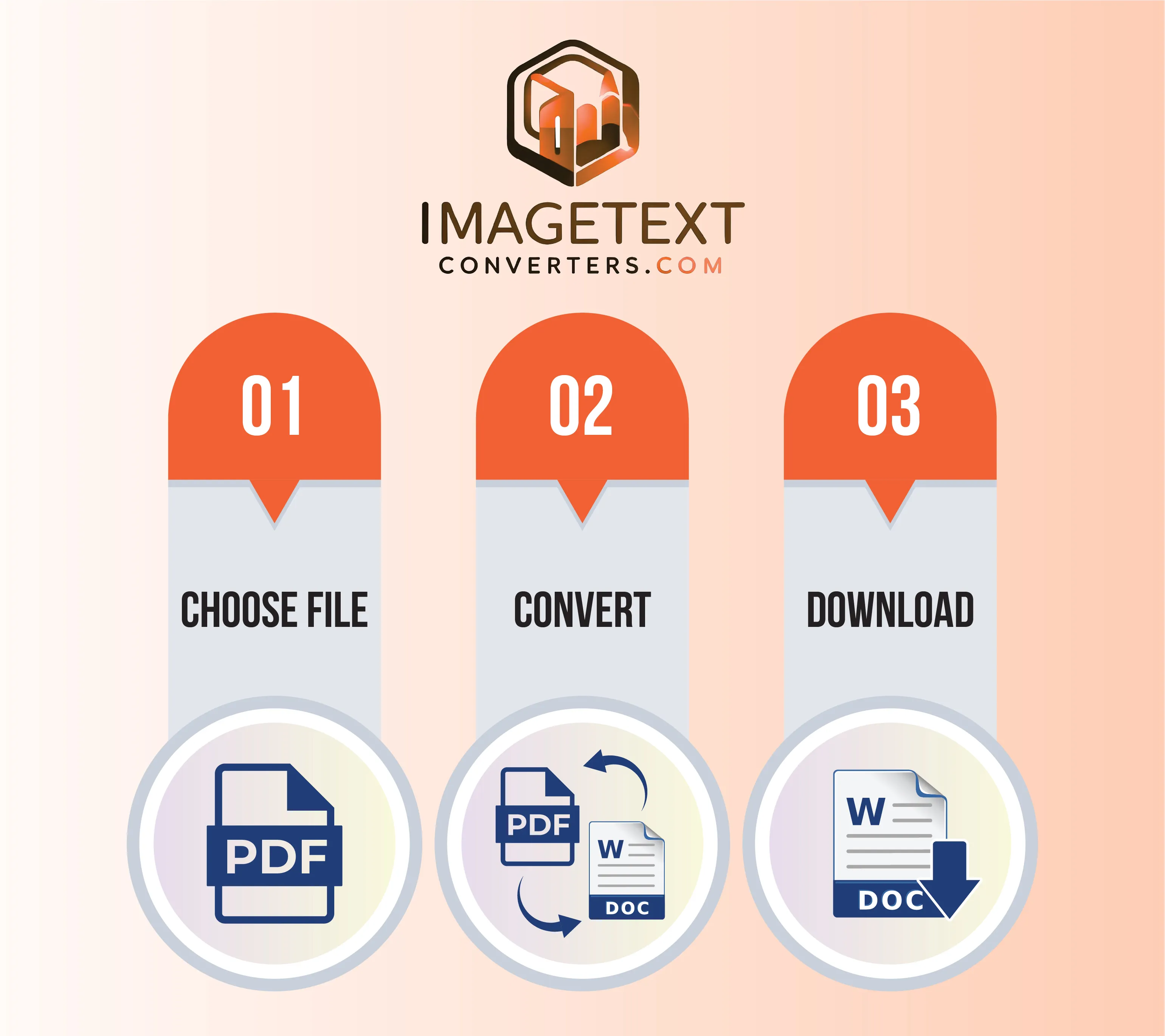
Converting your PDF file to Word is very simple with our tool. Just follow these quick steps:
Our PDF file to Word file converter is quite useful and efficient for a wide range of users. Here are some of the key features of our tool:
Our PDF to Word Converter is completely free for everyone. There are no fees, sign-ups, or limits. You can convert your PDF files to Word without worrying about hidden charges.
We designed this tool with simplicity in mind. The interface is clean and easy to follow. Even if you are not technical, you can convert PDF into Word in just one click without confusion.
This PDF Word Converter uses OCR to give you clean and accurate results. It keeps fonts, spacing, and structure close to the original file. No broken layouts, just neat Word documents ready to use.
Although it’s called a PDF to Word converter, it can also process image-based PDFs created from JPEG, PNG, BMP, TIFF, or GIF scans. There is no need to convert formats first—just upload and convert.
Our free PDF to Word converter is built for speed. Upload your PDF file, click convert, and get results in seconds. No delays, no waiting. Enjoy quick and reliable conversion.
We care about your privacy. Your files are never stored or shared. Once the conversion is done, the system deletes everything automatically. You can convert PDF file to Word with full confidence.
Whether you use a laptop, phone, or tablet, our converter works smoothly. It runs online in your browser, so you can convert PDF to Word anywhere without installing software or apps.
Got an old or blurry scan? No worries. Our PDF to Word converter can still read and extract text with high accuracy. It recognizes unclear fonts and turns them into clean Word text.
Our tool is one of the best. It’s free, accurate, and secure. You can convert PDF to Word online without signup or installation. It works on all devices and supports scanned or regular PDF files.
Yes, it is completely free. You don’t need to pay, sign up, or create an account. Just upload your PDF file and convert it to a Word document without hidden costs.
It’s very easy. Upload your PDF file, click the “Convert” button, and download your Word file. The process takes only seconds, and you’ll get a neat, editable document ready for use.
Yes, the converted Word file is fully editable. After you convert PDF to Word, you can change the text, font, and layout in MS Word like any regular document. It is perfect for editing and reusing content.
Yes. Our PDF Word Converter uses OCR technology to read scanned documents. Even if the file is an image-based PDF, it will extract the text and create an editable Word file.
Yes, our tool works hard to keep formatting intact. Fonts, spacing, and structure stay close to the original PDF. You’ll get a Word file that looks neat and is easy to edit.
Of course. Our PDF file to Word converter works on Android and iPhone. Just open it in your browser, upload your PDF, and convert it instantly. No apps or downloads required.
Yes, it’s 100% safe. We don’t store or share your files. After you convert a PDF file to Word, everything is deleted automatically. Your privacy and data are always protected.
Yes. Even if your PDF is blurry or old, the OCR engine can still recognize the text. It extracts words clearly and converts them into a usable Word file with accuracy.