Free to Use
You can use this PDF to text converter without paying anything. There are no sign-ups, hidden charges, or subscriptions—just upload your file and convert PDF to text in seconds.
Convert PDF documents to editable text instantly. Extract text from scanned PDFs or digital files with high accuracy using our free PDF-to-text converter tool.
A PDF to Text Converter is an online tool that uses OCR (Optical Character Recognition) technology to read and extract text from PDF documents. When you upload a regular or scanned PDF, the tool scans every page to detect the letters and words inside the file, then turns them into editable text.
The process is simple: the PDF is loaded, cleaned, and processed so that the text inside can be recognized accurately. After that, the detected text is refined and organized so you can easily copy, edit, or download it. This lets you turn locked or non-editable PDF files into clean, usable text without typing anything manually.
With this tool, you can quickly convert reports, ebooks, scanned documents, or study material from PDF to text for work, study, or sharing.
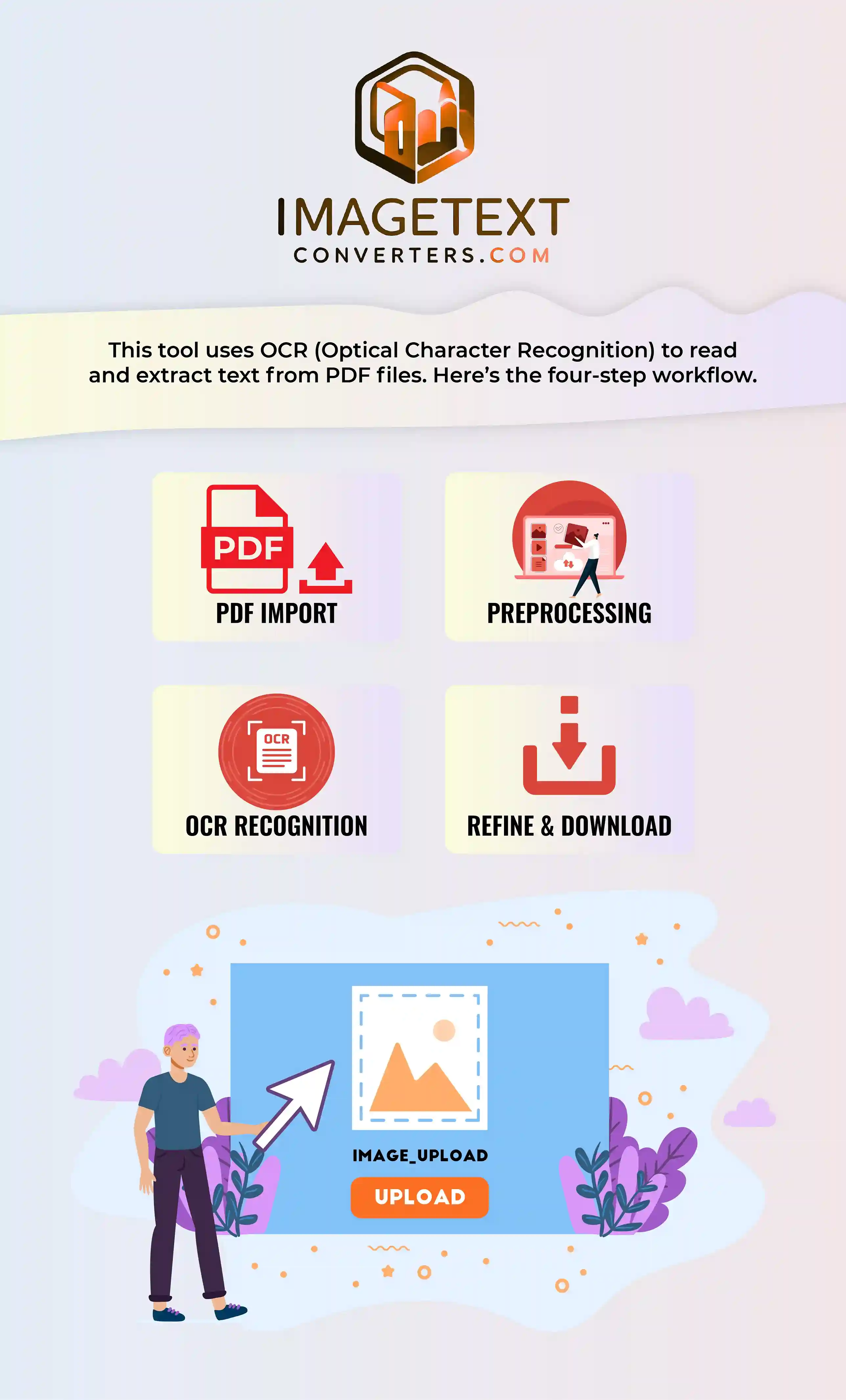
The working of a PDF to text converter is based on OCR technology. First, your PDF file is split into individual pages or images. Each page is then processed through OCR so the tool can detect the shapes of letters, numbers, and symbols.
Before reading the text, the tool cleans the page to remove extra marks, shadows, or unwanted lines. This helps improve accuracy. Once the text is detected, it is matched with characters stored in the OCR engine and converted into real, editable text.
In the final step, the extracted text is refined so that spacing and structure stay neat. You get a clean block of text that you can copy, download, or use anywhere you need.
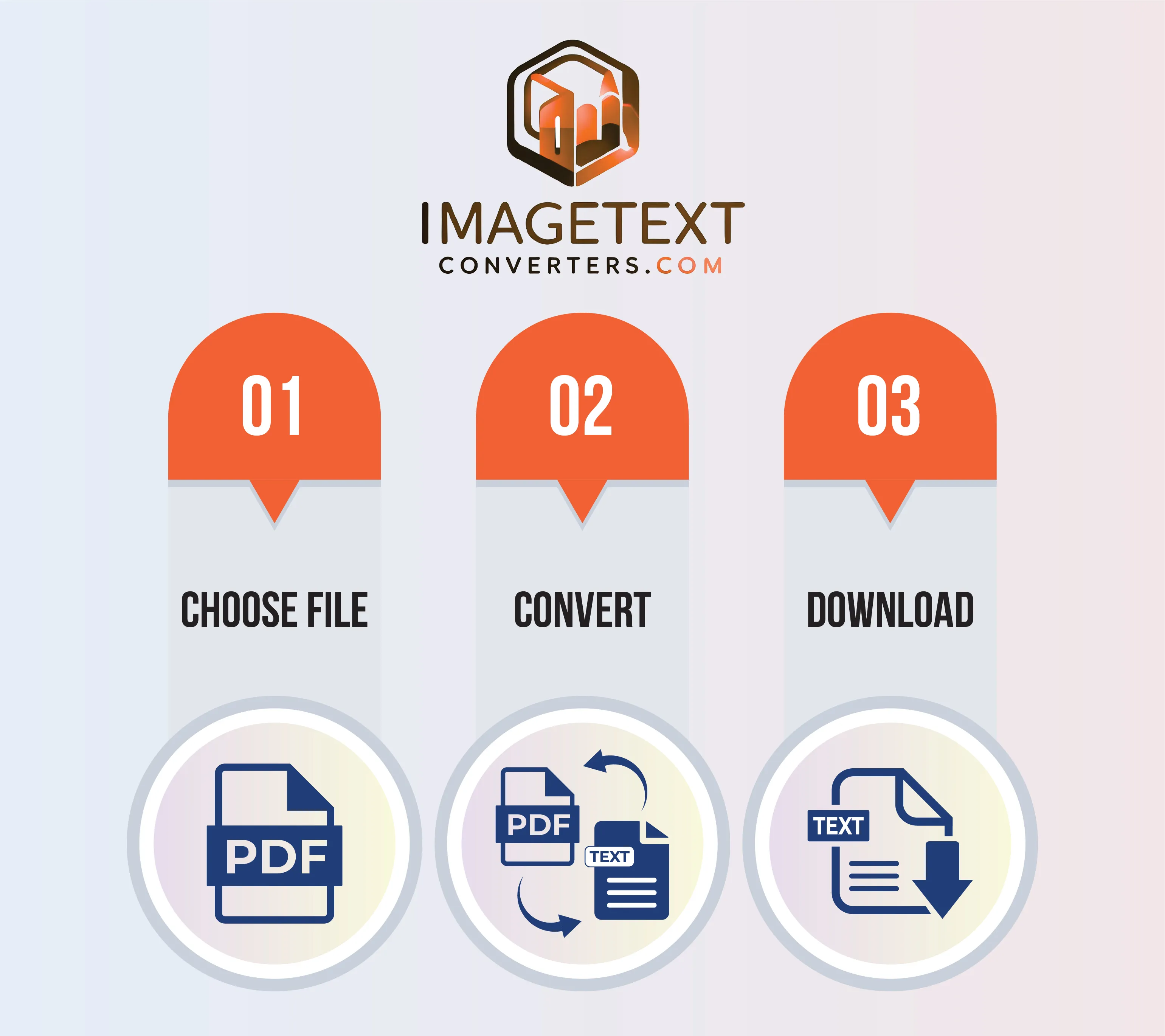
It’s very simple to convert PDF into text using our online PDF to text converter. Just follow these quick steps:
Our PDF into text converter comes with powerful features designed to make your work easy, fast, and accurate. Here are some of the main benefits you’ll get while using it:
You can use this PDF to text converter without paying anything. There are no sign-ups, hidden charges, or subscriptions—just upload your file and convert PDF to text in seconds.
The tool is built to give clean and accurate results. It reads small fonts, dense paragraphs, and tricky layouts carefully so your converted text has fewer errors and stays easy to read.
Need to convert a PDF written in another language? Our converter supports multiple languages so you can extract text from PDF files in your preferred language without any hassle.
The process is quick—just upload your file and click one button. Within a few seconds, your PDF text is ready. No complicated steps, delays, or confusing options.
Your privacy is important. Files are processed securely, and converted data is not shared. After you’re done, everything is removed from the system so you can use the tool with confidence.
Even if your PDF is a scan with light blur or faded text, our OCR engine works hard to pull out usable text. It is designed to handle older or low-quality files as well.
You don’t have to install software or browser extensions. Everything runs online in your browser—just open the site, upload your PDF, and convert it to text instantly.
Our PDF to txt tool works smoothly on mobiles, tablets, laptops, and desktops. No matter which device you use, you can upload a PDF and get clean text without issues.
The best converter is one that is accurate, fast, and easy to use. Our tool is designed to give high-quality results in just a few seconds. You simply upload your PDF and get clean text without extra steps.
If a PDF does not allow direct copying, upload it to our PDF to text converter. The tool will extract the text for you so you can copy and use it wherever you need.
The easiest way is to use our online converter. There’s nothing to install—just open the site, upload your PDF, click convert, and download the text result in seconds.
Open our website in your phone browser, upload your PDF file, and tap the convert button. The text will appear on your screen ready to copy or download, just like on a desktop.
Yes. Our tool uses OCR to read text inside scanned PDFs. Simply upload the scanned document and it will convert it into clean, editable text within a few moments.
Yes, it is safe. Your files are processed securely and are not stored permanently. Once the conversion is done and you close the session, your PDF and extracted text are removed.
No installation is required. Everything works online in your browser. Just visit the site, upload your PDF, and convert it to text without downloading extra programs.
On a Mac, simply open Safari or any browser, go to our PDF to text tool, upload your file, and click convert. You’ll get the text output in one click, ready to copy or download.